Option to drag/add inbox items when adding tasks to fill free chunks of time

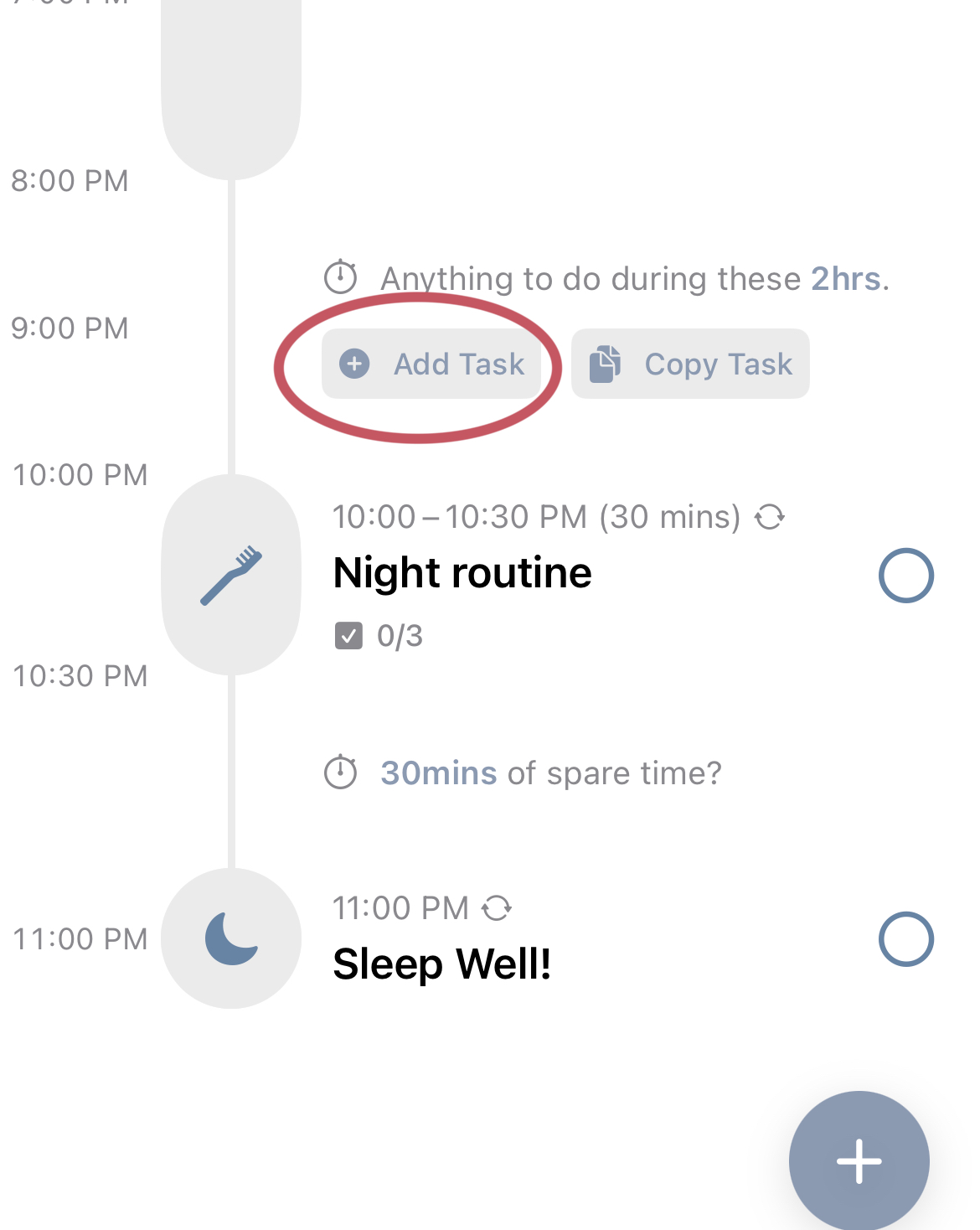
It would be very convenient, if when we press “+ Add Task” under “Anything to do during these X hours,” there is an option to see Inbox tasks and their length of time (where the Suggestion tasks currently pop up) and then select/drop them in to fill the free chunk of time.
Currently, I believe the only way to add Inbox tasks to our daily schedule is to go directly to the Inbox and then click the + icon. As someone who uses the Inbox to break down big tasks, exams, and assignments, being able to see Inbox items when adding tasks to the main daily page would be so helpful and efficient when planning my week!
Status: Duplicate
Log in to comment and vote
No comments yet
Be the first to share your thoughts.